 Bless Ring
What is the gesture to start and stop a recording?

Bless Ring Support
15 May 2026 18:40 Updated
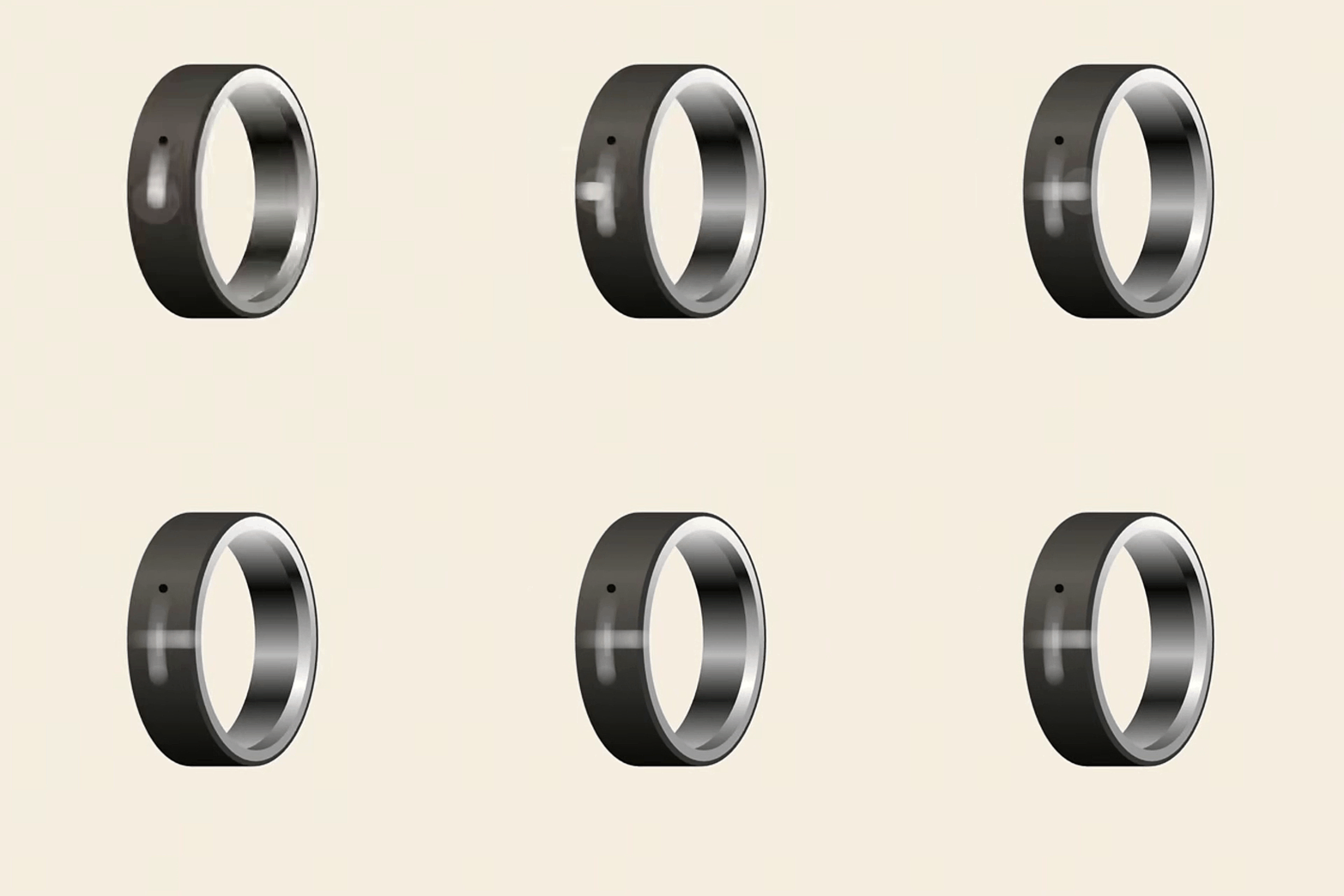
To control recording, use your thumb to interact with the touch area, which is the vertical line on the ring.
Swipe quickly from top to bottom, then from left to right.
Upon successful operation, the ring will emit a slight vibration, and the recording indicator light will turn on, or turn off if stopping.
Recording Gesture
If you have any questions, please reach out to support@blessring.us.