 Bless Ring
How do I add friends or manage my community network?

Bless Ring Support
15 May 2026 18:40 Updated
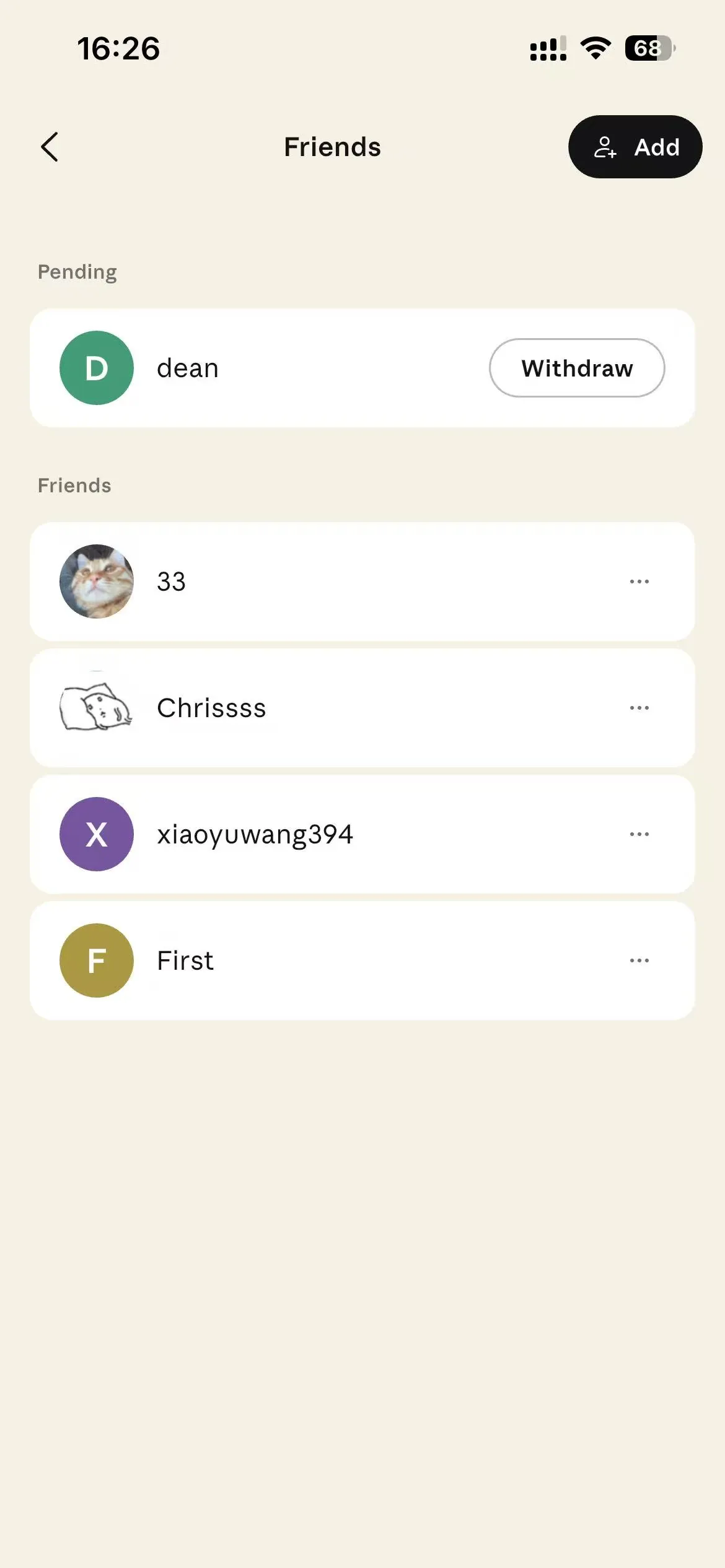
Go to the Community or Profile tab and select "Add Friends."
You can invite people using their email address or phone number. Once they accept your invitation, you can share prayer requests and support each other.
Friends
If you have any questions, please reach out to support@blessring.us.
Articles in this section
- How does the AI transcription and journaling feature work?
- What is the "Immerse" feature in the Journal tab?
- Can I edit, export, or share my transcribed journal entries?
- How does the app track my moods and Spiritual Journey?
- What is a Personalized Devotional, and how is it generated?
- How do I add friends or manage my community network?
- How do I post a prayer request or an "Urgent Request" to the community?
- How do I share a "Testimony" for an answered prayer?
- What is "Mood-Sensing Intercession" and how does it work?
- What do the different vibration alerts (Timed Prayer, Bonded Care) mean?